


1XPARTNERS IS AN EASY WAY TO START MAKING MONEY FROM YOUR TRAFFIC TODAY
Welcome to the 1xPartners affiliate program! We’ve prepared a short guide to help you quickly get to grips with the system and start working.

Main menu
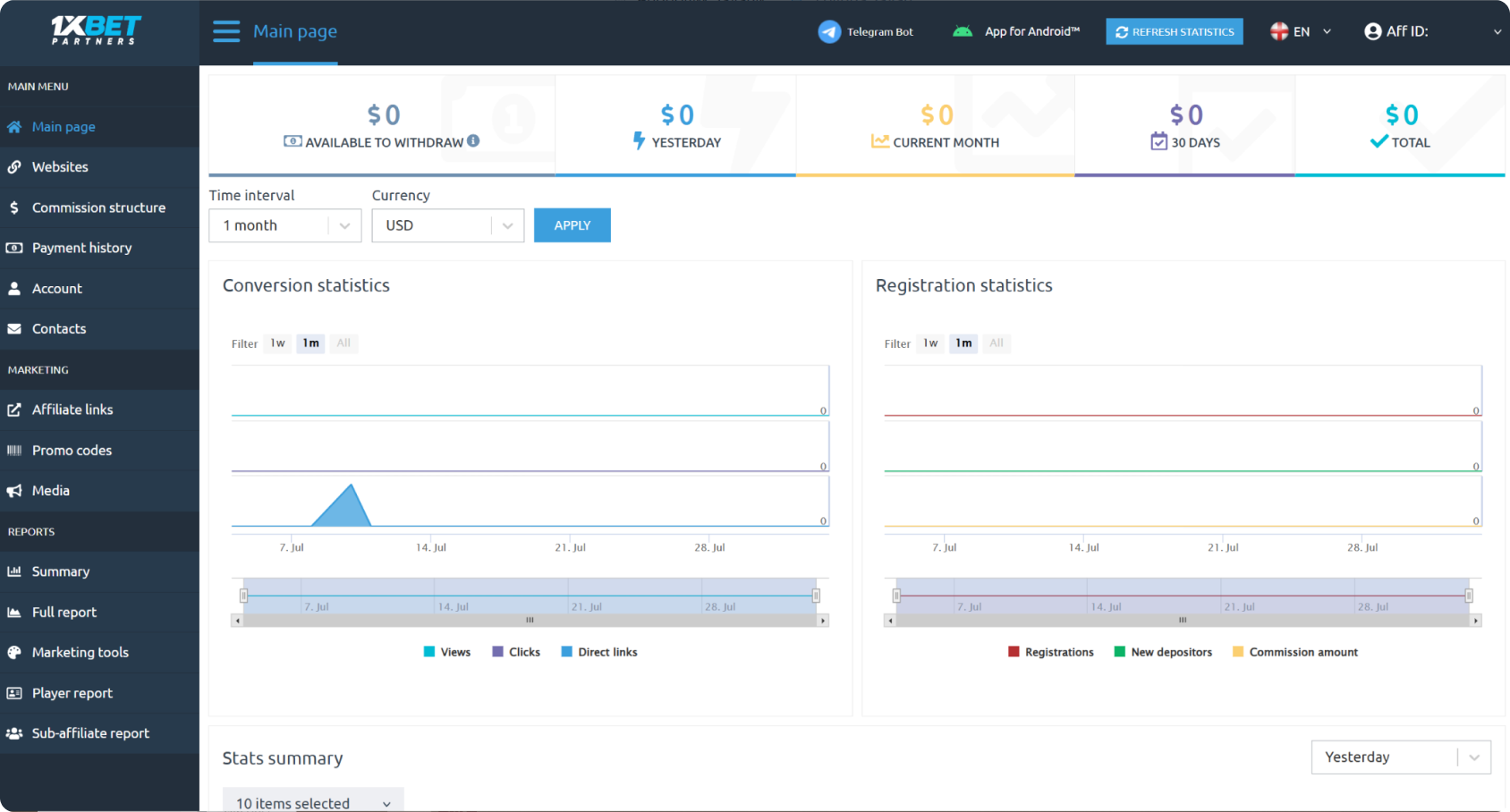
The first thing you see will be the main menu. It includes key information about the results of your work.
You will also see a message with the latest referral domain for your affiliate link
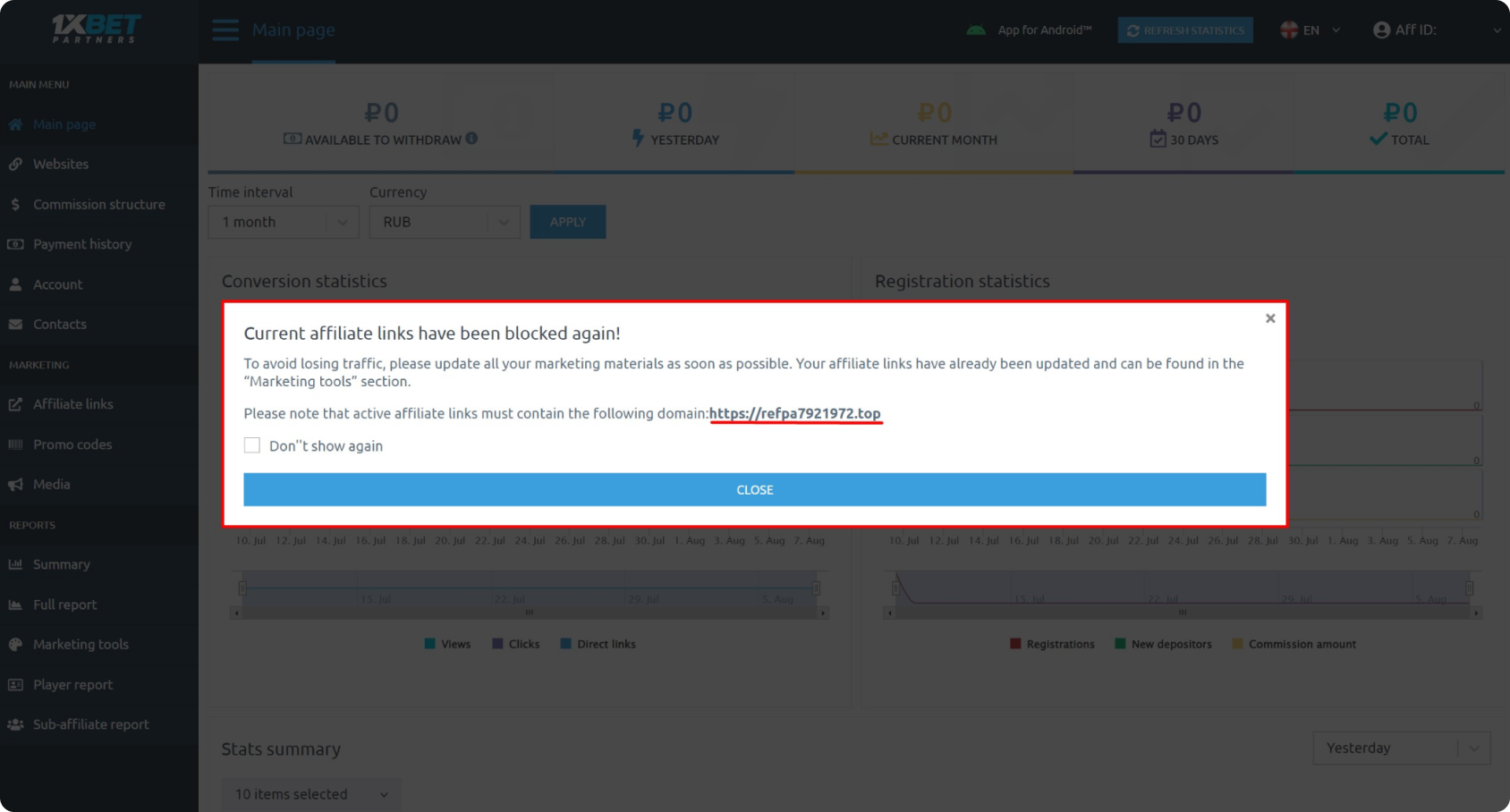
You can select “Do not show any more”, as if you are affected by any blocks, the actual domain address will be sent to you via email and Telegram. You need to keep up with these domain updates (usually updated once per day), as they are sometimes blocked.
Adding a website
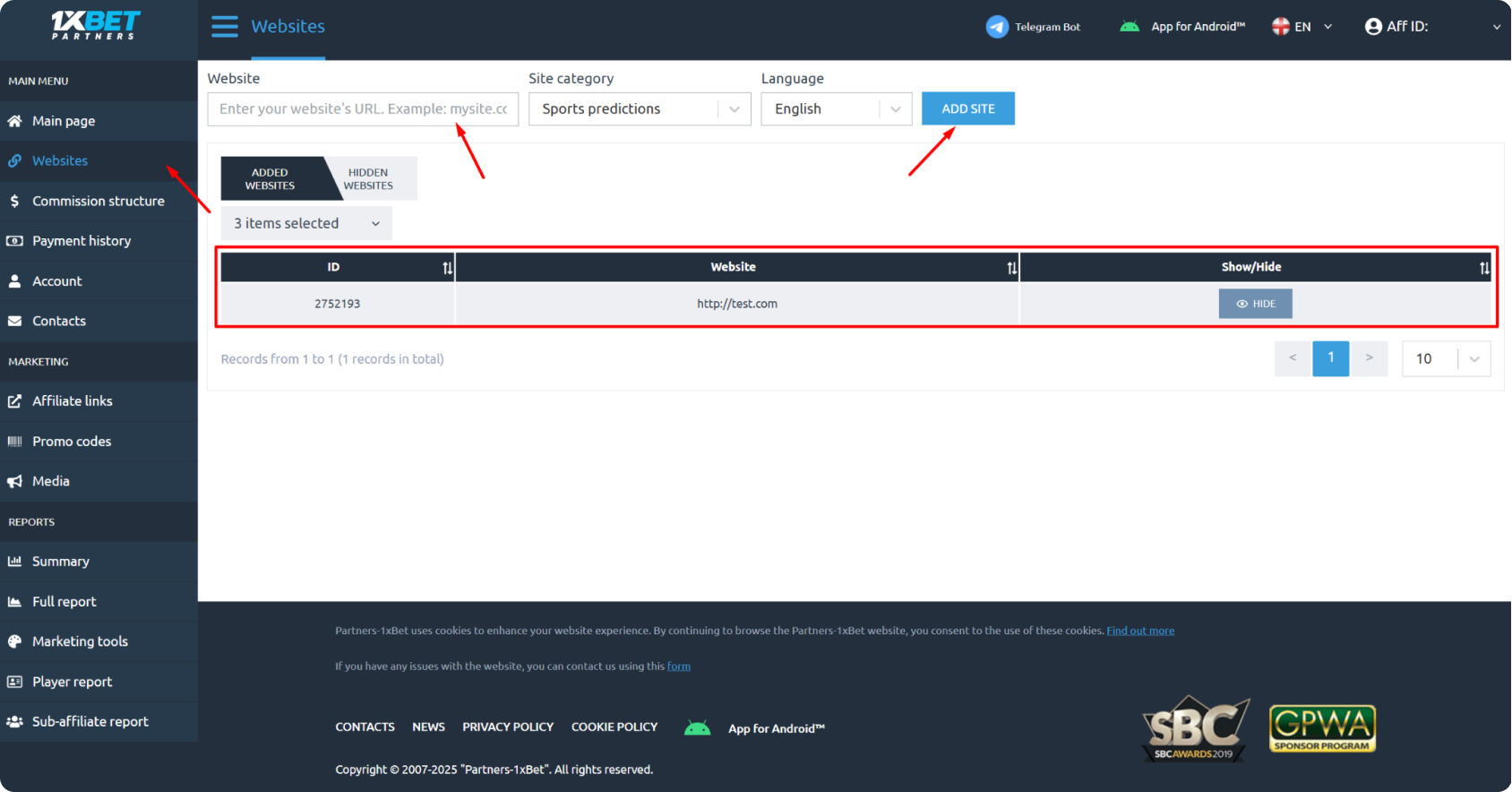
Generating real traffic is a mandatory condition of collaboration. To add your own resources (websites), you need to go to the “Add website” section, fill in all of the mandatory fields, and press the “Add” button. The website will then appear in a list, as well as in the relevant field, once it has been generated. This is required so that we can see where customers’ traffic is coming from, and be sure that you are not using any forbidden traffic sources to promote 1xBet. This also makes it possible to create different referral links and monitor the effectiveness of your traffic.
Promo materials
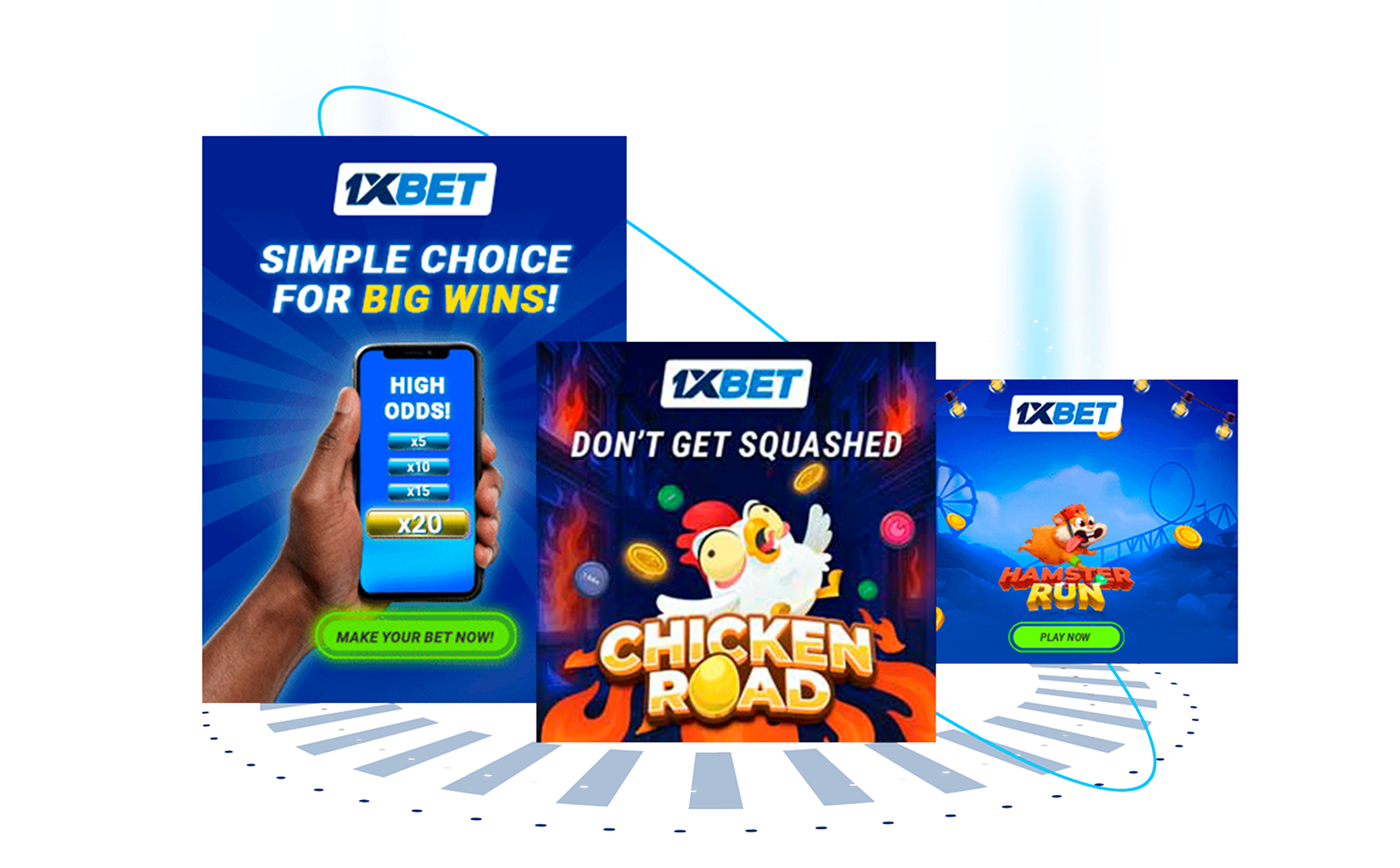
Marketing materials (banners) from your account will already contain an affiliate (tracking) link.
To find them, go to the “Marketing tools” section, select “Marketing materials”, and press “Code”. You need to copy this code and post it on your website.

Please note that banners can be taken for individual websites, and sorted by format and size.
If you download a banner, it will no longer contain a code – it will simply be an image that you can use to add your affiliate link. If you have any difficulties adding a banner to your website, you can contact the Customer Support team and one of our technical specialists will help you.
Creating an affiliate link

Your affiliate link contains a unique identifier that makes it possible to assign the customers you refer to you.
You can create an affiliate link in the “Affiliate links” section.
Landing page: This is where a link to the current 1xBet promo you are promoting is posted.
SubID: You must add a SubID to your link, as this helps to effectively monitor your results! Let’s say you’re promoting an offer related to an esports tournament, for example, “CS:GO Championship”. You can register the SubID “csgo_championship”. In this case, all click-throughs from banners related to this event will be displayed in your statistics with the tag “csgo_championship”. This will give you a clear understanding of which campaigns are generating interest with your audience, and which are not. You can also amplify their effect by using individual promo codes.
Promo codes

Promo codes are an excellent way to attract customers’ attention and improve what you’re offering.
They can be used by customers to get additional bonuses during registration, and help to boost your conversion rates.
Creating a promo code takes just a few minutes. Simply select the website you need and press the “Generate” button.

It is possible to create an individual promo code in the form of a series of digits – this can be done by contacting your affiliate program manager or the Customer Support team.
Important! Don’t create promo codes if you don’t need them, as each affiliate can only have a limited number of codes.
Reports

Affiliate program statistics are updated every hour, and commission is calculated the following day.
On the main page of your account, you can see some quick stats, such as:
- Amount available to withdraw
- Yesterday’s commission
- Last month
- Last 30 days and all time
The separate “Reports” section offers more detailed analytics:
A brief overview report – shows general statistical data for the selected period. You can view information about different websites or media channels.

Withdrawals

To receive your first payment, you need to contact the affiliate program’s Customer Support team. After that, your payouts will be processed automatically.
Payments are made once per week on Tuesdays for the period from Monday to Sunday of the preceding week, provided that the amount earned is above the minimum withdrawal threshold: $30.
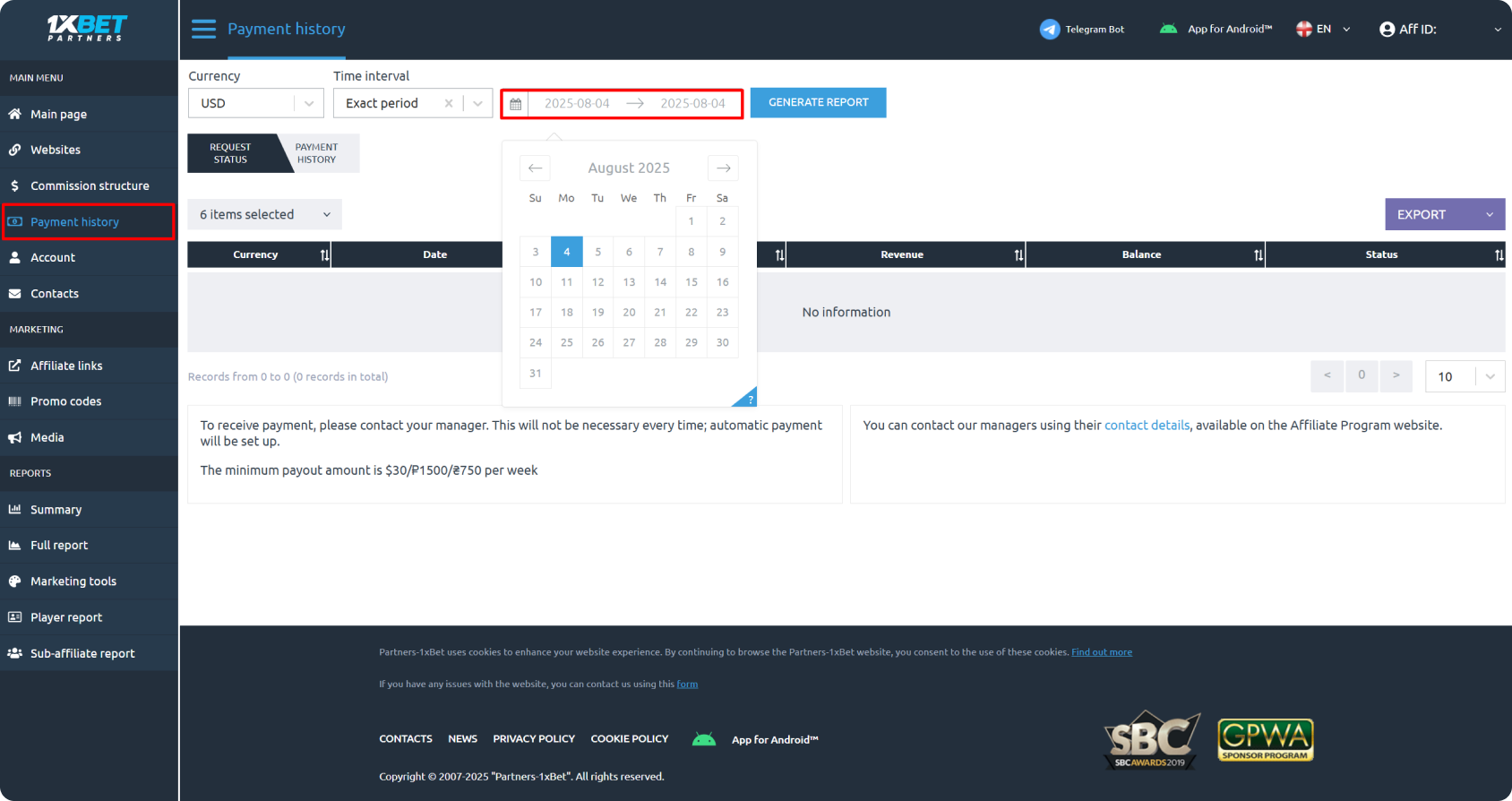
The main page of your account displays the amount you have available for withdrawal – this is calculated every Monday.
More detailed information about the amount available can be found in the “Payout history” section.